
Samsung Software Updates: Mastering Automated Device Management for Enterprise Efficiency
Mobile devices are now integral to business operations, but managing them presents significant challenges. Unpatched vulnerabilities and outdated software can cripple productivity and expose sensitive data. Samsung offers a suite of solutions, particularly through its Knox platform, that addresses these challenges by automating and streamlining software updates for enterprise devices, leading to enhanced security and operational efficiency.
Introduction: The Critical Role of Software Updates in Enterprise Mobility
The modern enterprise relies heavily on mobile devices for everything from communication to data access. However, this reliance introduces complexities in managing and securing these devices. Effective software update management is no longer optional; it's a critical component of a robust enterprise mobility strategy.
The Growing Importance of Mobile Device Management (MDM) in Enterprises
Mobile Device Management (MDM) solutions are crucial for controlling and securing a fleet of mobile devices. MDM platforms provide the tools necessary to manage device configurations, enforce security policies, and distribute software updates efficiently. A recent study by Gartner estimates that 70% of enterprises will be using some form of MDM solution by 2025, highlighting its growing importance.
- Centralized Control: MDM offers a single pane of glass for managing all enterprise devices.
- Policy Enforcement: Enforce security policies, such as password complexity and data encryption.
- Application Management: Deploy and manage applications across the entire device fleet.
Why Timely Software Updates are Crucial for Security and Performance
Software updates are essential for patching security vulnerabilities and improving device performance. A delay in applying critical security patches can leave devices vulnerable to cyberattacks and data breaches. Regular updates also enhance device functionality, optimize battery life, and improve overall user experience.
- Security Patching: Fixes known vulnerabilities that could be exploited by attackers.
- Performance Optimization: Improves device speed, stability, and battery life.
- Feature Enhancements: Introduces new features and functionality to enhance user experience.
Challenges of Managing Software Updates Across a Large Device Fleet
Managing software updates across a large fleet of devices presents numerous challenges. These include ensuring compatibility with existing applications, minimizing downtime during updates, and tracking update progress across all devices. Manual updates are time-consuming, error-prone, and difficult to scale.
- Compatibility Issues: Updates can sometimes conflict with existing applications or configurations.
- Downtime: Updates can disrupt user productivity and require device downtime.
- Scalability: Manually updating a large number of devices is impractical and inefficient.
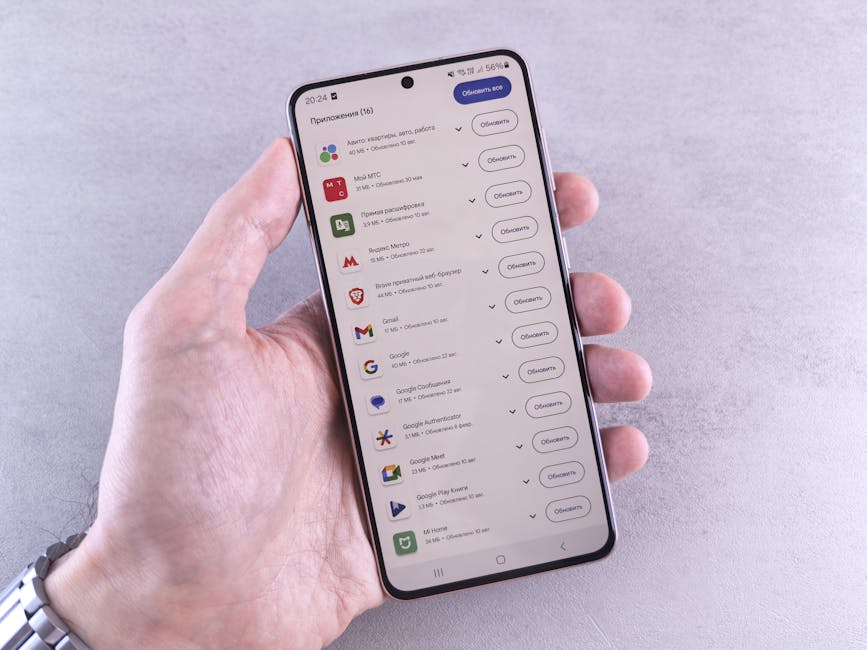 Image: Close-up of a hand holding a smartphone displaying app updates on a light background.
How Samsung Addresses These Challenges with Automated Solutions
Samsung's Knox platform provides automated solutions for managing software updates across enterprise devices. These solutions, including Knox E-FOTA, enable IT administrators to schedule, test, and deploy updates remotely, minimizing downtime and ensuring consistent security across the entire device fleet.
- Remote Management: Updates can be deployed remotely without requiring user intervention.
- Scheduled Updates: Updates can be scheduled to occur during off-peak hours to minimize downtime.
- Testing and Validation: Updates can be tested on a subset of devices before wide-scale deployment.
Samsung's Enterprise Software Update Solutions: A Deep Dive
Featured Snippet Answer: Samsung addresses enterprise device management challenges with its Knox platform, especially Knox E-FOTA. This solution automates software updates, allowing IT administrators to schedule, test, and deploy updates remotely. Key features include customization options, delta updates to minimize data usage, and robust monitoring tools to track update progress, ensuring device security and minimizing downtime.
Samsung offers a comprehensive suite of software update solutions designed to meet the unique needs of enterprise customers. These solutions provide granular control over the update process, ensuring security, minimizing downtime, and maximizing operational efficiency.
Samsung Knox Suite: The Foundation for Secure Device Management
The Samsung Knox Suite is a comprehensive platform that provides a wide range of tools for managing and securing enterprise devices. It includes features such as mobile device management (MDM), mobile application management (MAM), and enterprise firmware-over-the-air (E-FOTA). Knox Suite acts as the bedrock for secure device management within the Samsung ecosystem.
Key components of the Knox Suite:
- Knox Mobile Enrollment: Streamlines device enrollment and configuration.
- Knox Manage: Provides comprehensive mobile device management capabilities.
- Knox E-FOTA: Enables remote firmware updates and management.
- Knox Configure: Allows for advanced device customization and branding.
Knox E-FOTA (Enterprise Firmware Over-The-Air): Features and Benefits
Knox E-FOTA is a key component of the Knox Suite, enabling IT administrators to manage and deploy firmware updates to Samsung devices remotely. This solution provides granular control over the update process, allowing administrators to schedule updates, test them on a subset of devices, and roll them back if necessary. It is designed to minimize downtime and ensure consistent security across the entire device fleet.
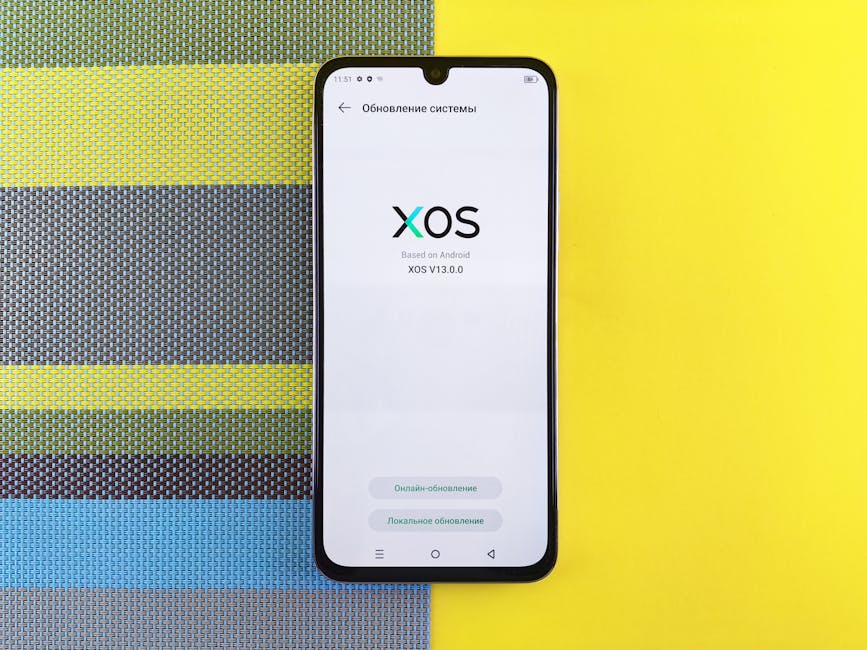 Image: Smartphone on colorful background showing XOS version update, based on Android.
Benefits of Knox E-FOTA:
- Remote Firmware Updates: Deploy updates remotely without requiring user intervention.
- Scheduled Updates: Schedule updates during off-peak hours to minimize downtime.
- Testing and Validation: Test updates on a subset of devices before wide-scale deployment.
- Rollback Capabilities: Roll back updates if issues arise after deployment.
- Firmware Version Control: Ensures all devices are running the same approved firmware version.
Customization Options: Tailoring Updates to Specific Business Needs
Knox E-FOTA offers extensive customization options, allowing IT administrators to tailor updates to meet specific business needs. This includes the ability to customize the update schedule, target specific device groups, and even customize the update process with company branding.
Customization Options:
- Update Scheduling: Define specific dates and times for updates to occur.
- Device Group Targeting: Target updates to specific groups of devices based on department, location, or other criteria.
- Custom Branding: Customize the update process with company logos and branding.
- Pre/Post Update Scripts: Run custom scripts before and after updates to automate tasks.
Delta Updates: Minimizing Data Usage and Downtime During Updates
Delta updates are a key feature of Knox E-FOTA, minimizing data usage and downtime during updates. Delta updates only download the changes between the current firmware version and the new version, rather than the entire firmware image. This significantly reduces the amount of data that needs to be downloaded, resulting in faster updates and lower data costs.
Benefits of Delta Updates:
- Reduced Data Usage: Only download the changes between firmware versions.
- Faster Updates: Updates are significantly faster due to the smaller download size.
- Lower Data Costs: Reduced data usage translates to lower data costs, especially for devices on cellular networks.
- Minimized Downtime: Faster updates result in less downtime for users.
According to Samsung internal data, delta updates can reduce update file sizes by up to 70%, leading to a significant reduction in data usage and update time.
Understanding Knox Mobile Enrollment and its impact on update deployment
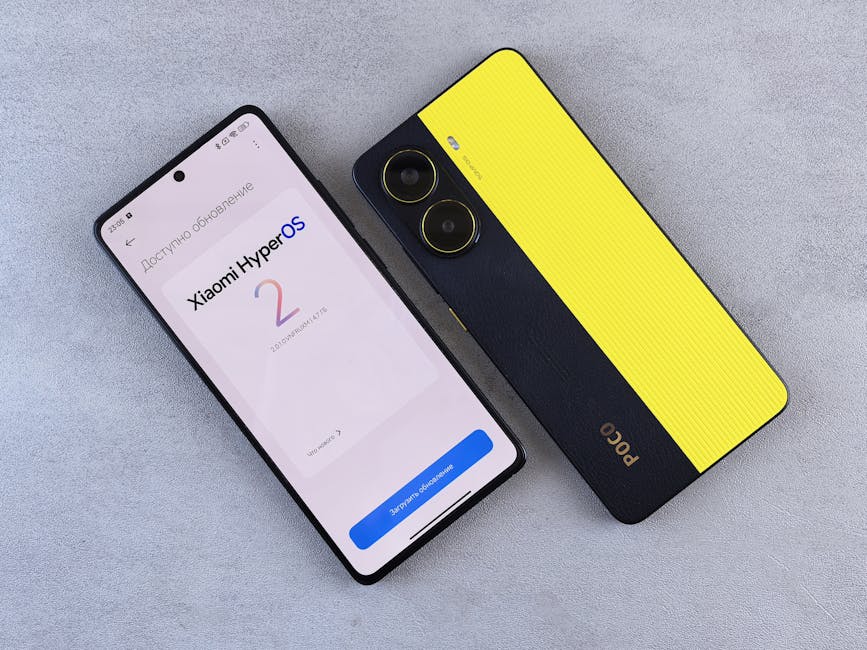 Image: Top view of two smartphones displaying Xiaomi HyperOS update screen and POCO branding on a plain surface.
Knox Mobile Enrollment streamlines the process of enrolling devices into an MDM system. This is particularly useful for large-scale deployments, as it automates the enrollment process and ensures that devices are properly configured with the necessary security policies and applications. This simplified enrollment process sets the stage for seamless and efficient software update deployment via Knox E-FOTA.
- Zero-Touch Enrollment: Automates the device enrollment process, minimizing manual configuration.
- MDM Integration: Seamlessly integrates with leading MDM platforms.
- Simplified Deployment: Simplifies the deployment of devices to employees.
Automating Software Updates: A Step-by-Step Guide
Automating software updates with Samsung's Knox E-FOTA can significantly improve enterprise security and efficiency. This step-by-step guide outlines the process of setting up, configuring, and deploying updates using Knox E-FOTA.
Setting Up Knox E-FOTA: Configuration and Initial Setup
The first step in automating software updates is to set up and configure Knox E-FOTA. This involves creating a Knox account, registering devices, and configuring the necessary settings.
Steps for Setting Up Knox E-FOTA:
- Create a Knox Account: Sign up for a Samsung Knox account on the Samsung Business website.
- Register Devices: Register devices with the Knox portal using their IMEI or serial numbers.
- Configure E-FOTA Settings: Configure E-FOTA settings, such as update servers and authentication methods.
- Integrate with MDM (Optional): Integrate Knox E-FOTA with your existing MDM platform for streamlined management.
Defining Update Policies: Scheduling, Targeting, and Testing
Once Knox E-FOTA is set up, the next step is to define update policies. This involves scheduling updates, targeting specific device groups, and testing updates on a subset of devices before wide-scale deployment.
Key Elements of Update Policies:
- Scheduling: Define specific dates and times for updates to occur.
- Targeting: Target updates to specific groups of devices based on department, location, or other criteria.
- Testing: Test updates on a subset of devices before wide-scale deployment to identify potential issues.
- Approval Process: Implement an approval process for updates to ensure they meet business requirements.
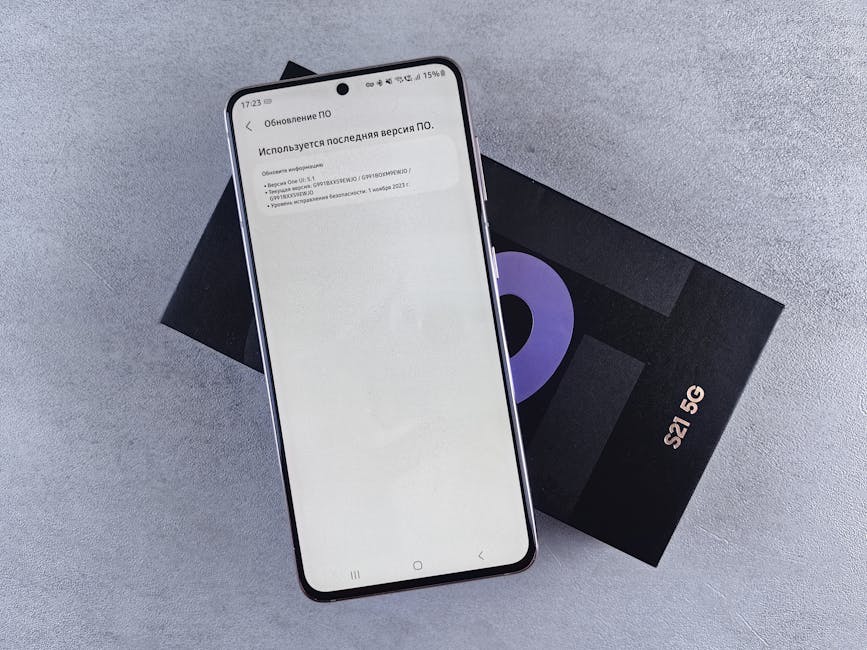 Image: A smartphone on a box showing a software update screen, creating a tech-focused scene.
Leveraging MDM Integration: Streamlining Update Deployment
Integrating Knox E-FOTA with an existing MDM platform can further streamline update deployment. MDM integration allows IT administrators to manage updates directly from their MDM console, providing a centralized view of the entire device fleet.
Benefits of MDM Integration:
- Centralized Management: Manage updates directly from the MDM console.
- Automated Deployment: Automate the deployment of updates to devices.
- Real-Time Monitoring: Monitor update progress in real-time.
Popular MDM solutions that integrate well with Knox E-FOTA include:
- VMware Workspace ONE
- Microsoft Intune
- MobileIron
- Citrix Endpoint Management
Monitoring Update Progress: Tracking Success Rates and Identifying Issues
Monitoring update progress is crucial for ensuring that updates are successfully deployed to all devices. Knox E-FOTA provides detailed reports on update progress, including success rates, failure rates, and error messages.
Key Metrics to Monitor:
- Success Rate: Percentage of devices that have successfully installed the update.
- Failure Rate: Percentage of devices that have failed to install the update.
- Error Messages: Detailed error messages for failed updates.
- Update Time: Average time it takes to install the update on a device.
Rollback Strategies: Preparing for Potential Compatibility Problems
Despite thorough testing, compatibility problems can sometimes arise after an update is deployed. It's important to have a rollback strategy in place to quickly revert devices to the previous firmware version if necessary.
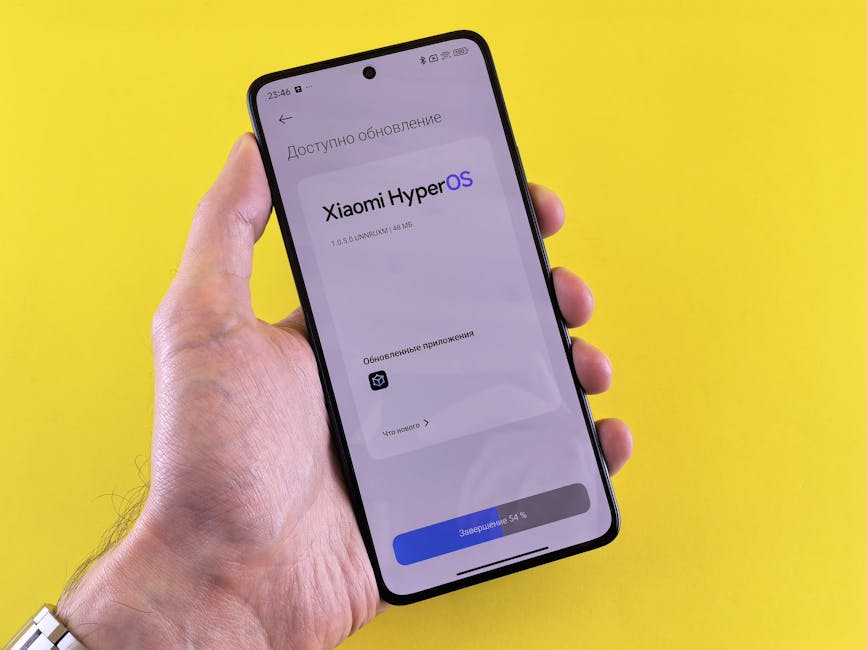 Image: Close-up of a hand holding a smartphone displaying Xiaomi HyperOS update screen on a yellow background.
Elements of a Rollback Strategy:
- Backup: Create a backup of the current firmware version before deploying the update.
- Rollback Process: Define a clear process for rolling back updates to the previous version.
- Communication Plan: Communicate the rollback process to users and provide instructions on how to revert their devices.
Real-World Examples: How Enterprises are Benefiting from Automated Updates
Automated software updates can deliver significant benefits to enterprises across various industries. These real-world examples illustrate how organizations are leveraging Samsung's Knox E-FOTA to improve security, enhance operational efficiency, and reduce costs.
Case Study 1: Improving Security Compliance in a Healthcare Organization
A large healthcare organization with over 5,000 Samsung devices was struggling to maintain security compliance due to inconsistent software updates. By implementing Knox E-FOTA, the organization was able to automate the deployment of security patches and ensure that all devices were running the latest firmware version. This resulted in a 60% reduction in security vulnerabilities and improved compliance with HIPAA regulations.
- Challenge: Inconsistent software updates leading to security vulnerabilities.
- Solution: Automated deployment of security patches with Knox E-FOTA.
- Result: 60% reduction in security vulnerabilities and improved HIPAA compliance.
Case Study 2: Enhancing Operational Efficiency in a Logistics Company
A logistics company with a fleet of 1,000 Samsung ruggedized devices used for tracking shipments and managing deliveries was experiencing frequent downtime due to software issues. By implementing Knox E-FOTA, the company was able to schedule updates during off-peak hours, minimizing downtime and improving operational efficiency. This resulted in a 20% increase in productivity and a 15% reduction in support costs.
- Challenge: Frequent downtime due to software issues.
- Solution: Scheduled updates during off-peak hours with Knox E-FOTA.
- Result: 20% increase in productivity and 15% reduction in support costs.
Case Study 3: Reducing Downtime and Support Costs in a Retail Environment
A retail chain with over 2,000 Samsung tablets used for point-of-sale (POS) systems was experiencing high support costs due to software-related issues. By implementing Knox E-FOTA, the company was able to remotely diagnose and resolve software issues, reducing downtime and support costs. This resulted in a 30% reduction in support tickets and a 10% increase in customer satisfaction.
 Image: Close-up of App Store icon on iPhone screen with notification badge, highlighting app updates.
- Challenge: High support costs due to software-related issues.
- Solution: Remote diagnosis and resolution of software issues with Knox E-FOTA.
- Result: 30% reduction in support tickets and 10% increase in customer satisfaction.
Quantifiable Results: Data-Driven Insights into the Impact of Automation
| Metric | Before Automation | After Automation | Improvement | | ------------------------ | ----------------- | ---------------- | ----------- | | Security Vulnerabilities | 150 | 60 | 60% | | Device Downtime | 4 hours/month | 1 hour/month | 75% | | Support Tickets | 200/month | 140/month | 30% | | Update Compliance | 70% | 98% | 40% |
These data-driven insights demonstrate the significant impact that automated software updates can have on enterprise security, efficiency, and cost savings.
Troubleshooting Common Software Update Issues
Even with automated systems, software update issues can arise. This section provides guidance on troubleshooting common problems and implementing solutions to ensure a smooth update process.
Addressing Update Failures: Identifying Root Causes and Implementing Solutions
Update failures can occur for various reasons, including network connectivity issues, insufficient storage space, or compatibility conflicts. Identifying the root cause of the failure is crucial for implementing an effective solution.
Common Causes of Update Failures:
- Network Connectivity Issues: Ensure devices have a stable network connection during the update process.
- Insufficient Storage Space: Verify that devices have sufficient storage space to download and install the update.
- Compatibility Conflicts: Identify and resolve any compatibility conflicts with existing applications or configurations.
- Corrupted Update Files: Redownload the update files to ensure they are not corrupted.
Resolving Compatibility Conflicts: Managing App and OS Dependencies
Compatibility conflicts between updates and existing applications can cause instability or functionality issues. Managing app and OS dependencies is essential for preventing these conflicts.
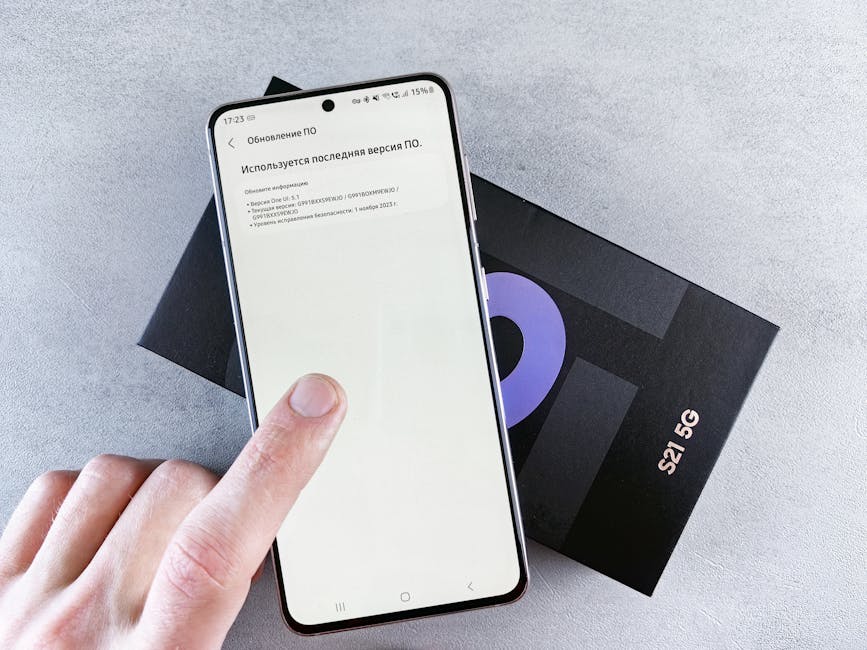 Image: Finger interacting with smartphone on software update screen above phone box, isolated on light background.
Strategies for Resolving Compatibility Conflicts:
- Testing: Thoroughly test updates on a representative sample of devices before wide-scale deployment.
- Application Whitelisting: Only allow approved applications to be installed on devices.
- Application Compatibility Testing: Test applications for compatibility with new OS versions before deploying updates.
Handling User Interruptions: Minimizing Disruption and Maintaining Productivity
Updates can sometimes interrupt users and disrupt their workflow. Minimizing disruption and maintaining productivity is crucial for ensuring a positive user experience.
Strategies for Minimizing User Interruptions:
- Scheduled Updates: Schedule updates during off-peak hours to minimize disruption.
- User Notifications: Provide users with clear notifications about upcoming updates and their expected duration.
- Grace Periods: Allow users a grace period to postpone updates to a more convenient time.
Best Practices for Testing Updates Before Wide-Scale Deployment
Thorough testing is essential for identifying and resolving potential issues before deploying updates to the entire device fleet.
Best Practices for Testing Updates:
- Pilot Group: Test updates on a small group of representative devices before wide-scale deployment.
- Test Cases: Develop comprehensive test cases to cover all critical functionalities.
- User Feedback: Gather feedback from pilot users to identify any issues or concerns.
Utilizing Samsung's Support Resources for Assistance
Samsung provides a range of support resources to assist enterprises with software update management.
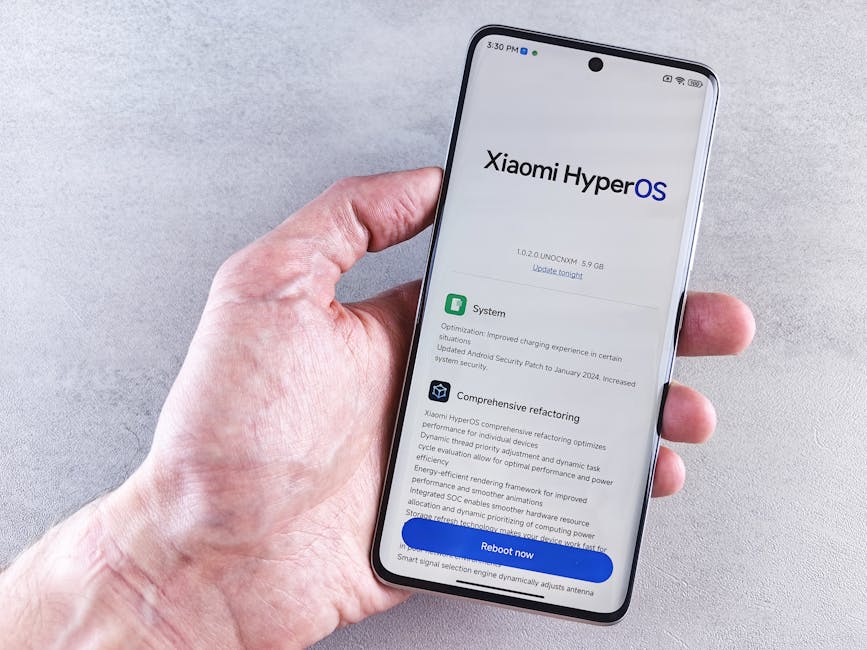 Image: Close-up of a hand holding a Xiaomi smartphone with HyperOS interface, showcasing comprehensive refactoring and system update details.
Samsung Support Resources:
- Knox Support Portal: Access documentation, FAQs, and troubleshooting guides.
- Samsung Business Support: Contact Samsung's business support team for technical assistance.
- Samsung Developer Program: Access developer tools and resources for customizing updates.
FAQ: Your Questions About Samsung Software Updates Answered
This section addresses frequently asked questions about Samsung software updates and Knox E-FOTA, providing clarity and guidance for enterprises.
What are the minimum requirements for using Knox E-FOTA?
The minimum requirements for using Knox E-FOTA include:
- A Samsung Knox account.
- Compatible Samsung devices.
- A supported MDM platform (optional).
- Network connectivity for devices to download updates.
How does Samsung ensure the security of software updates?
Samsung employs a multi-layered approach to ensure the security of software updates. This includes:
- Secure development practices.
- Rigorous testing and validation.
- Digital signatures to verify the authenticity of updates.
- Over-the-air (OTA) delivery via secure channels.
Can I customize the update process with my company branding?
Yes, Knox E-FOTA allows you to customize the update process with your company branding. This includes adding your company logo and customizing the update messages displayed to users.
What happens if an update causes a problem on a device?
If an update causes a problem on a device, you can use the rollback feature in Knox E-FOTA to revert the device to the previous firmware version. It is crucial to have a well-defined rollback strategy in place.
How often does Samsung release security updates for its devices?
Samsung releases security updates for its devices on a monthly or quarterly basis, depending on the device model. Critical security vulnerabilities are typically addressed with more frequent updates.