
Samsung Smart Home Energy Efficiency: A Deep Dive into Software Updates & Sustainability
The relentless rise in energy costs, coupled with growing environmental concerns, necessitates a shift towards smarter, more sustainable living. Inefficient energy consumption significantly contributes to both inflated utility bills and a larger carbon footprint. Samsung's Smart Home ecosystem, powered by SmartThings, offers a solution through intelligent automation and energy management.
Introduction: The Evolution of Samsung Smart Home Energy Management
The evolution of home technology has progressed from basic automation to sophisticated energy management systems. Samsung has positioned itself at the forefront of this evolution, integrating sustainability into the core of its Smart Home offerings. This commitment translates to tangible benefits for consumers, including reduced energy consumption and a smaller environmental impact.
The Growing Importance of Smart Home Energy Efficiency
Energy efficiency is no longer a luxury but a necessity. Rising energy prices, coupled with increasing awareness of climate change, drive the demand for solutions that minimize energy waste. Smart homes offer a pathway to achieving significant energy savings through automation, monitoring, and intelligent control of appliances and systems.
- Economic Benefits: Lower utility bills and reduced operating costs.
- Environmental Benefits: Reduced carbon footprint and conservation of natural resources.
- Convenience: Automated control and remote monitoring of energy usage.
Samsung's Commitment to Sustainability and Smart Home Technology
Samsung has publicly committed to achieving net-zero direct and indirect carbon emissions by 2050. This commitment extends to its Smart Home technology, where energy efficiency is a key design principle. Samsung integrates sustainable practices throughout its product lifecycle, from manufacturing to end-of-life recycling programs.
- Sustainable Materials: Increased use of recycled materials in product manufacturing.
- Energy-Efficient Design: Optimization of appliance energy consumption.
- Responsible Recycling: Programs for proper disposal and recycling of electronic waste.
Brief Overview of Samsung's Smart Home Ecosystem (SmartThings)
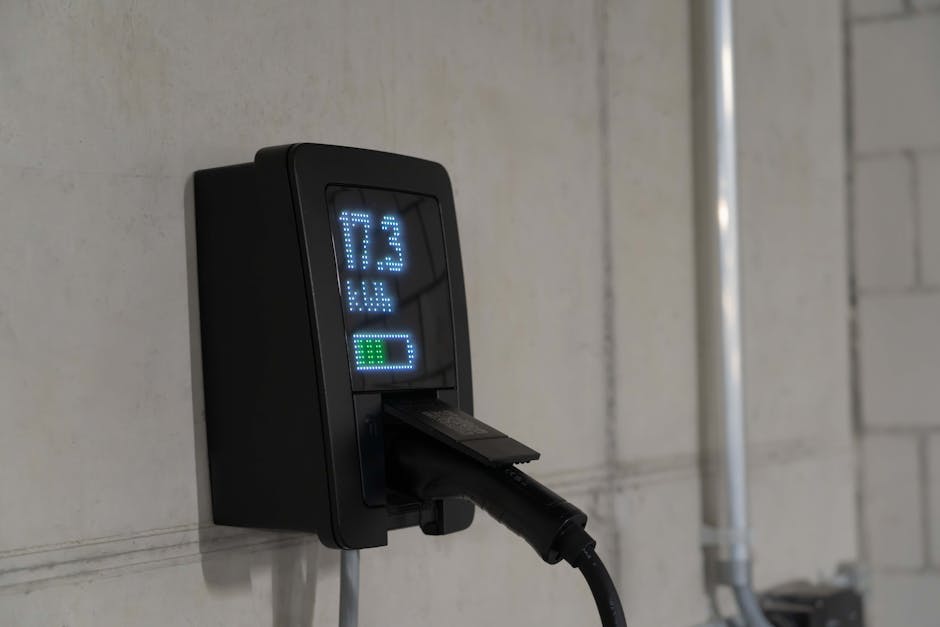 Image: Detailed view of an electric vehicle charging station indoors, showcasing charging technology.
Samsung's SmartThings platform serves as the central hub for connecting and controlling various smart devices within the home. It allows users to monitor energy consumption, automate energy-saving routines, and integrate with other smart home systems. The platform supports a wide range of devices, including appliances, lighting, thermostats, and security systems.
- Centralized Control: Manage all smart devices from a single app.
- Interoperability: Compatible with a wide range of devices from different manufacturers.
- Customization: Create personalized routines and automation scenarios.
Why Software Updates are Crucial for Energy Savings
Software updates are not merely about adding new features; they are critical for optimizing energy efficiency. Updates often include improved algorithms for energy management, enhanced device control, and security patches that indirectly contribute to energy savings. Regular updates ensure that your Samsung Smart Home devices are operating at their most efficient.
- Algorithm Optimization: Refined algorithms for AI Energy Mode and automated routines.
- Bug Fixes: Addressing software glitches that can lead to increased energy consumption.
- Security Enhancements: Preventing unauthorized access that could compromise energy management settings.
Understanding Samsung's Smart Home Energy Management Features
Samsung's Smart Home ecosystem offers a suite of features designed to help users monitor and reduce their energy consumption. These features include SmartThings Energy, AI Energy Mode, and automated energy-saving modes for appliances. Integration with smart grids and renewable energy sources further enhances energy management capabilities.
SmartThings Energy: A Central Hub for Energy Monitoring
SmartThings Energy provides a comprehensive overview of your home's energy consumption. It allows you to track energy usage in real-time, identify energy hogs, and set energy-saving goals. The platform provides detailed reports and insights that help you make informed decisions about your energy consumption.
- Real-time Monitoring: Track energy usage of individual devices and the entire home.
- Detailed Reports: Analyze energy consumption patterns and identify areas for improvement.
- Goal Setting: Set energy-saving targets and track your progress.
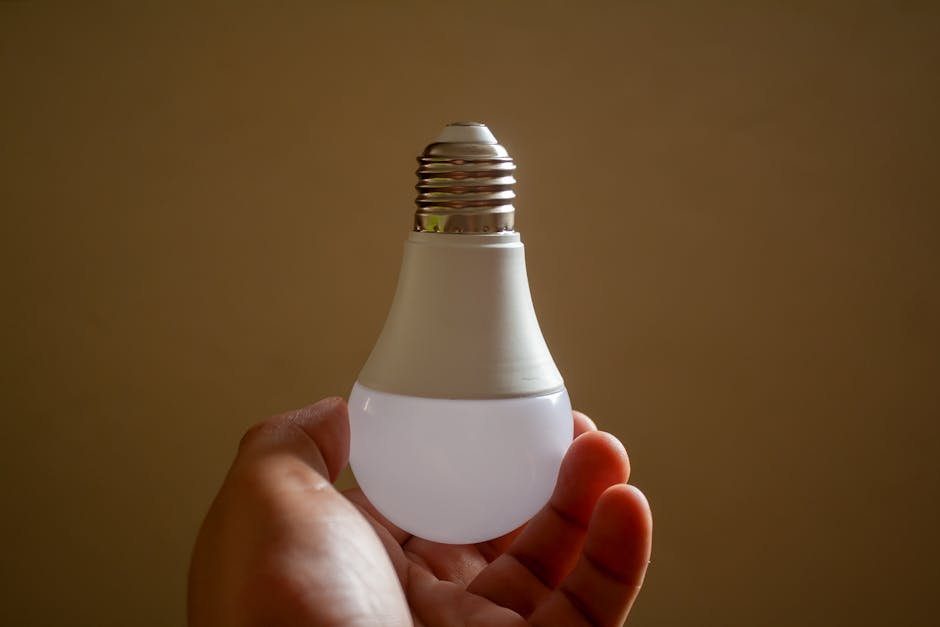 Image: Close-up of a hand holding an energy-efficient LED bulb, emphasizing sustainability and innovation.
AI Energy Mode: How It Works and Its Impact on Consumption
AI Energy Mode leverages artificial intelligence to optimize energy consumption based on your usage patterns and preferences. It analyzes your historical energy data and automatically adjusts appliance settings to minimize energy waste without compromising comfort or performance. For example, AI Energy Mode can reduce refrigerator compressor speed during periods of low usage.
- Machine Learning: Learns your energy usage patterns over time.
- Automatic Adjustments: Optimizes appliance settings based on your preferences.
- Energy Savings: Reduces energy consumption without sacrificing performance. Samsung claims AI Energy Mode can reduce refrigerator energy consumption by up to 15%.
Automated Energy Saving Modes for Appliances
Samsung appliances come equipped with various automated energy-saving modes that can be activated through the SmartThings app. These modes include eco-friendly wash cycles for washing machines, energy-saving cooling modes for air conditioners, and low-power standby modes for TVs. These modes can be scheduled or activated manually.
- Eco Wash: Reduces water and energy consumption during laundry cycles.
- Energy-Saving Cooling: Optimizes air conditioner settings for maximum efficiency.
- Low-Power Standby: Minimizes energy consumption when appliances are not in use.
Integration with Smart Grids and Renewable Energy Sources
Samsung Smart Home integrates with smart grids and renewable energy sources like solar panels. This integration allows you to optimize your energy consumption based on grid conditions and renewable energy availability. For example, you can schedule appliances to run during off-peak hours when electricity prices are lower or when solar energy production is at its peak.
- Demand Response: Automatically adjust energy consumption based on grid signals.
- Renewable Energy Optimization: Prioritize using renewable energy sources when available.
- Net Metering: Track energy generated by solar panels and offset electricity costs.
Geofencing and Energy Optimization
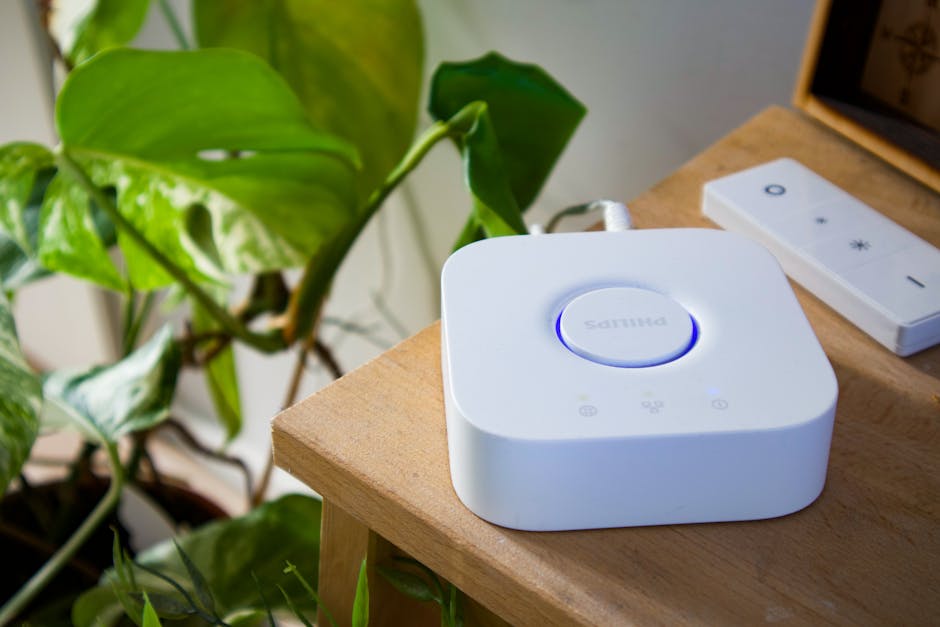 Image: Philips smart hub beside a leafy plant in a stylish indoor setting, showcasing modern home automation.
Geofencing uses your smartphone's location to trigger energy-saving actions when you leave or enter your home. For example, you can automatically turn off lights and adjust the thermostat when you leave your house and turn them back on when you return. This ensures that energy is not wasted when no one is home.
- Location-Based Automation: Trigger actions based on your location.
- Energy Savings: Automatically turn off appliances when you leave home.
- Convenience: Seamlessly adjust settings without manual intervention.
Decoding Samsung Smart Home Software Updates: What's New?
Understanding the content of Samsung Smart Home software updates is crucial for maximizing energy efficiency. Release notes often highlight key energy-related improvements, bug fixes, and new features. Analyzing these updates can help you optimize your Smart Home settings for maximum energy savings.
Release Notes Analysis: Identifying Key Energy-Related Updates
Analyzing release notes is essential for understanding the specific changes included in each software update. Look for keywords such as "energy efficiency," "AI Energy Mode," "power consumption," and "smart grid integration." These keywords indicate updates that are directly related to energy management.
- Keyword Search: Identify energy-related updates by searching for relevant keywords.
- Feature Descriptions: Understand the specific changes and improvements included in each update.
- Bug Fixes: Note any bug fixes that address energy consumption issues.
Improvements in AI Energy Mode Algorithms
Software updates often include improvements in AI Energy Mode algorithms. These improvements can lead to more accurate predictions of energy consumption and more effective optimization of appliance settings. Samsung regularly refines its AI algorithms based on user data and feedback.
- Enhanced Accuracy: More precise predictions of energy consumption.
- Improved Optimization: More effective adjustments to appliance settings.
- User Feedback Integration: Incorporating user data and feedback to refine algorithms.
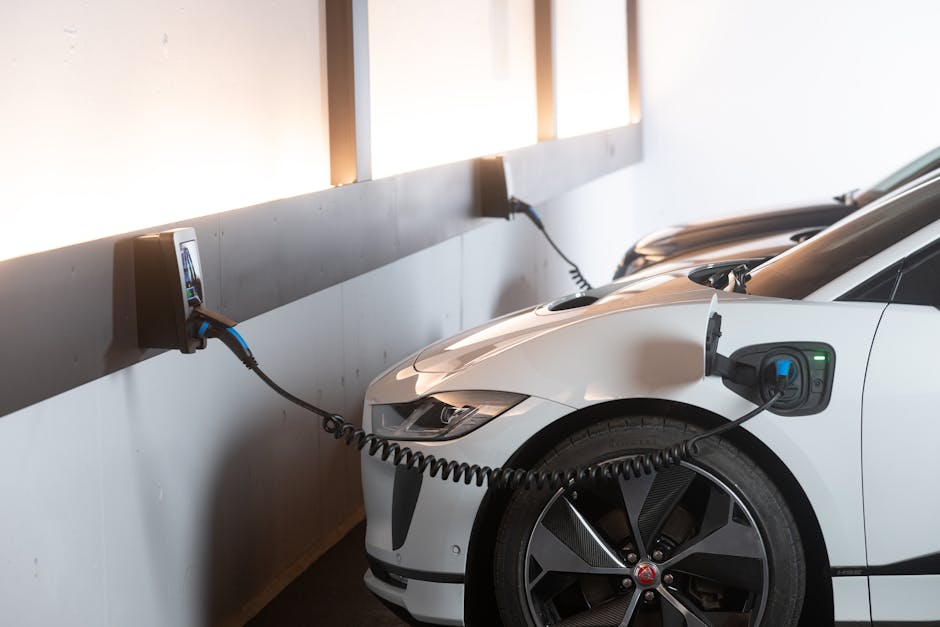 Image: Electric car charging in a modern indoor station promoting sustainability and energy efficiency.
Enhanced Appliance Control and Integration
Enhanced appliance control and integration are common themes in Samsung Smart Home software updates. These updates may include new features for controlling appliances, improved compatibility with other smart home devices, and enhanced integration with the SmartThings platform.
- New Features: Added functionality for controlling appliances.
- Improved Compatibility: Enhanced integration with other smart home devices.
- Seamless Integration: Streamlined integration with the SmartThings platform.
Security Patches and Their Impact on Energy Management
While primarily focused on security, security patches can indirectly impact energy management. By preventing unauthorized access to your Smart Home system, security patches ensure that your energy management settings are not compromised. This helps maintain the integrity of your energy-saving routines and prevents unintended energy waste.
- Data Protection: Safeguarding your energy data from unauthorized access.
- System Integrity: Preventing malicious interference with energy management settings.
- Reliable Operation: Ensuring the stable and reliable operation of your Smart Home system.
Future Roadmap for Energy-Focused Updates
Samsung's future roadmap for energy-focused updates includes further enhancements to AI Energy Mode, improved integration with renewable energy sources, and the development of new energy-saving features. Samsung is also exploring the use of blockchain technology for secure and transparent energy trading within smart home ecosystems.
- AI Advancements: Continued development of AI-powered energy management solutions.
- Renewable Energy Integration: Enhanced support for solar panels and other renewable energy sources.
- Blockchain Technology: Exploring the use of blockchain for secure energy trading.
Maximizing Energy Savings with Samsung Smart Home Software Updates: A Practical Guide
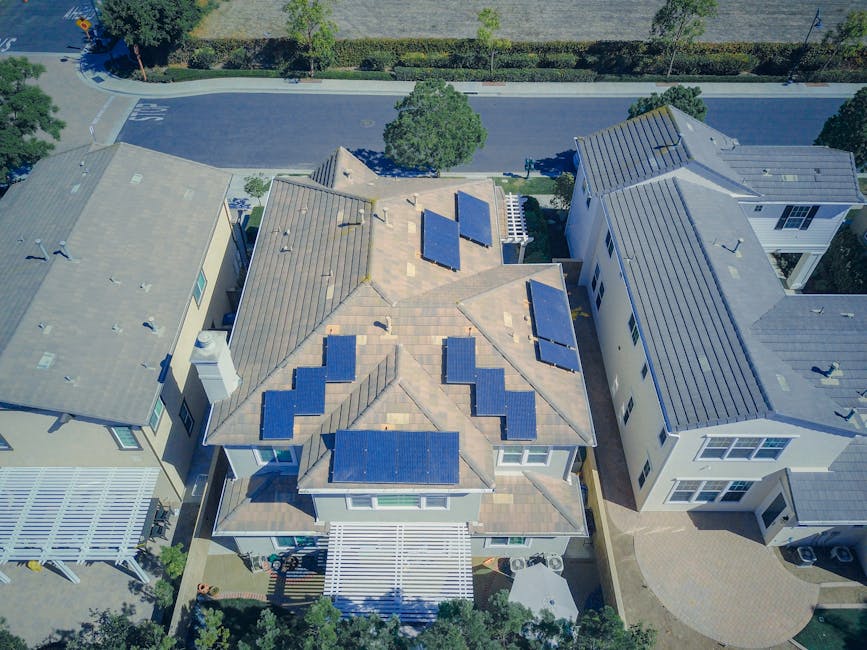 Image: Aerial view of suburban homes equipped with solar panels in a sunny neighborhood.
To fully leverage the energy-saving potential of Samsung Smart Home software updates, it's essential to follow a practical guide that outlines the steps for updating devices, optimizing settings, creating custom routines, and troubleshooting common issues.
Step-by-Step Guide to Updating Your Samsung Smart Home Devices
- Open the SmartThings app: Launch the SmartThings app on your smartphone or tablet.
- Navigate to Devices: Select the "Devices" tab at the bottom of the screen.
- Check for Updates: Look for a notification indicating that software updates are available.
- Select Devices: Choose the devices you want to update.
- Start the Update: Tap the "Update" button to begin the update process.
- Monitor Progress: Monitor the progress of the update and ensure that it completes successfully.
- Restart Devices: Restart your devices after the update is complete.
- Best Practice: Enable automatic updates to ensure your devices are always running the latest software.
Optimizing SmartThings Settings for Energy Efficiency
Optimizing your SmartThings settings is crucial for maximizing energy efficiency. This includes configuring AI Energy Mode, setting energy-saving preferences for individual devices, and adjusting thermostat settings.
- Enable AI Energy Mode: Activate AI Energy Mode for compatible appliances.
- Set Energy-Saving Preferences: Configure energy-saving settings for individual devices.
- Adjust Thermostat Settings: Set optimal thermostat temperatures for different times of the day.
Creating Custom Energy-Saving Routines
Custom energy-saving routines allow you to automate energy-saving actions based on specific triggers, such as time of day, location, or sensor readings. For example, you can create a routine that automatically turns off lights and adjusts the thermostat when you leave for work.
- Open the SmartThings app: Launch the SmartThings app on your smartphone or tablet.
- Navigate to Routines: Select the "Routines" tab at the bottom of the screen.
- Create a New Routine: Tap the "+" button to create a new routine.
- Set Triggers: Define the triggers that will activate the routine (e.g., time of day, location).
- Add Actions: Specify the actions that will be performed when the routine is triggered (e.g., turn off lights, adjust thermostat).
- Save the Routine: Save the routine and give it a descriptive name.
 Image: Vintage typewriter displaying the text 'Green Tech', symbolizing eco-friendly innovations.
- Example Routine: "Leaving Home" - Turns off all lights, adjusts thermostat to 78°F, and locks the front door when you leave your home.
Troubleshooting Common Update Issues and Energy Consumption Problems
Troubleshooting is essential for addressing common update issues and energy consumption problems. If you encounter issues during the update process, try restarting your devices or contacting Samsung support. If you notice increased energy consumption after an update, review your settings and ensure that AI Energy Mode is enabled.
- Restart Devices: Try restarting your devices if you encounter update issues.
- Contact Support: Contact Samsung support for assistance with complex issues.
- Review Settings: Ensure that AI Energy Mode is enabled and that your energy-saving preferences are properly configured.
Leveraging Third-Party Integrations for Enhanced Energy Management (e.g., IFTTT)
Third-party integrations, such as IFTTT (If This Then That), can further enhance your energy management capabilities. IFTTT allows you to connect your Samsung Smart Home devices with other smart home systems and services, enabling you to create more complex and customized energy-saving routines.
- IFTTT Integration: Connect your Samsung Smart Home devices with other smart home systems.
- Customized Routines: Create more complex and customized energy-saving routines.
- Enhanced Automation: Automate energy-saving actions based on a wider range of triggers and conditions.
Real-World Examples: Samsung Smart Home Energy Savings in Action
Real-world examples and case studies demonstrate the tangible benefits of using Samsung Smart Home for energy management. These examples showcase how families, multi-dwelling units, and individuals can significantly reduce their energy consumption and carbon footprint.
Case Study 1: Energy Consumption Reduction in a Family Home
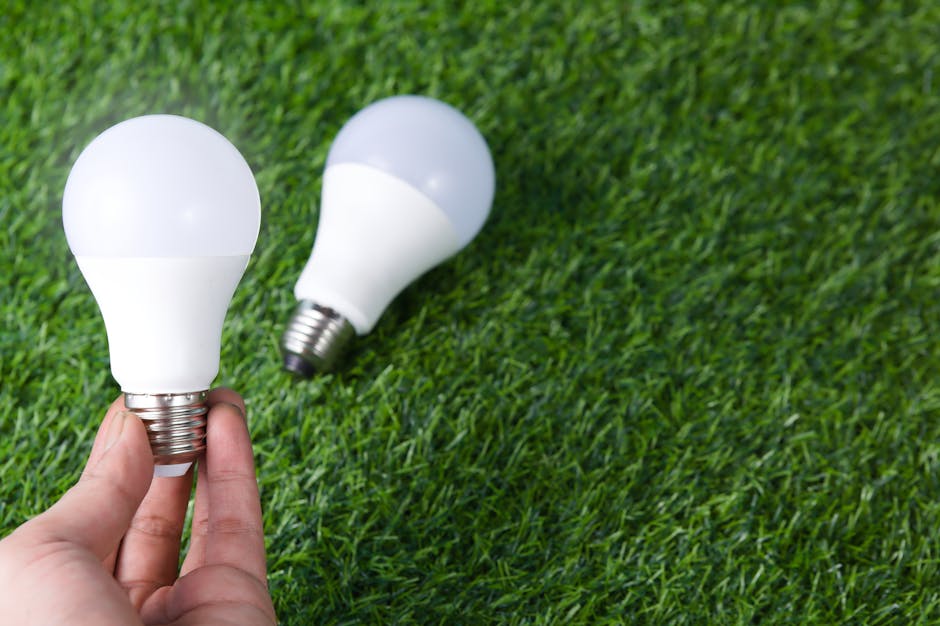 Image: Hand holding LED light bulb on a grass surface, representing energy efficiency.
The Miller family, residing in a 2,500 sq ft home in Austin, Texas, implemented Samsung Smart Home solutions, including SmartThings Energy and AI Energy Mode. Before implementation, their average monthly energy bill was $350. After six months of using Samsung Smart Home, their average monthly bill decreased to $280, representing a 20% reduction in energy consumption. They attributed the savings to optimized thermostat settings, automated lighting control, and efficient appliance management.
- Location: Austin, Texas
- Home Size: 2,500 sq ft
- Energy Savings: 20% reduction in monthly energy bill
Case Study 2: Optimizing Energy Usage in a Multi-Dwelling Unit
The "Green Acres" apartment complex, consisting of 50 units, implemented Samsung Smart Home solutions in each unit. The complex-wide energy consumption was monitored using SmartThings Energy. After one year, the complex achieved an average 15% reduction in overall energy consumption, resulting in significant cost savings for both the residents and the property management company.
- Type: Multi-Dwelling Unit (50 units)
- Energy Savings: 15% reduction in overall energy consumption
- Key Factors: Centralized energy monitoring and automated energy-saving routines.
Case Study 3: Integrating Solar Panels with Samsung Smart Home for Net-Zero Energy
The Johnson family, equipped with a solar panel system, integrated their solar energy production with their Samsung Smart Home. By using SmartThings Energy, they were able to track their solar energy generation and consumption in real-time. They programmed their Samsung appliances to automatically run during periods of peak solar energy production, maximizing their self-consumption and minimizing their reliance on the grid. This resulted in them achieving net-zero energy consumption for several months of the year.
- Integration: Solar Panels with Samsung Smart Home
- Goal: Net-Zero Energy Consumption
- Result: Achieved net-zero energy consumption for several months of the year.
Expert Interviews: Insights from Energy Auditors and Smart Home Installers
"Samsung's SmartThings platform provides a user-friendly interface for monitoring and managing energy consumption," says Sarah Chen, a certified energy auditor at Green Solutions Inc. "The AI Energy Mode is particularly effective at optimizing appliance settings and reducing energy waste. I've seen clients achieve significant energy savings by simply enabling this feature."
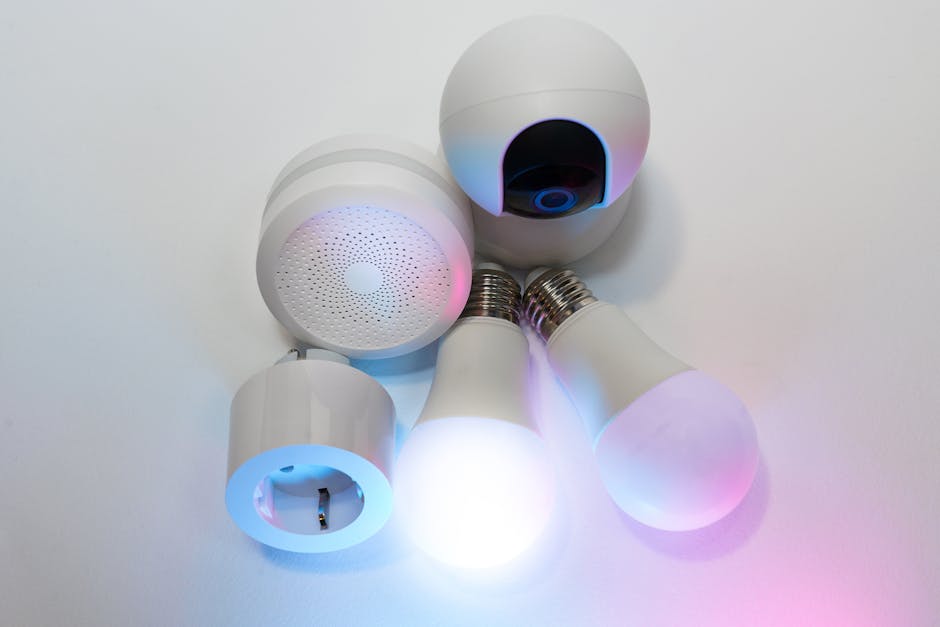 Image: A collection of smart home devices including light bulbs, a security camera, and a smart hub.
According to David Lee, a smart home installer at Smart Home Solutions, "Regular software updates are crucial for maintaining the energy efficiency of Samsung Smart Home devices. These updates often include improved algorithms and bug fixes that can have a significant impact on energy consumption. I always recommend that my clients enable automatic updates."
Addressing Common Concerns and Misconceptions
Addressing common concerns and misconceptions about smart home energy consumption, privacy, and cost is essential for promoting wider adoption of sustainable smart home technologies.
Debunking Myths About Smart Home Energy Consumption
Myth: Smart homes consume more energy due to the constant operation of smart devices. Reality: Smart homes are designed to reduce energy consumption through automation, monitoring, and intelligent control of appliances and systems. While some smart devices do consume a small amount of energy in standby mode, the overall energy savings far outweigh the energy consumption of these devices.
Myth: Smart home technology is too complex and difficult to use. Reality: Samsung SmartThings offers a user-friendly interface and intuitive controls. The platform is designed to be accessible to users of all technical skill levels.
Addressing Privacy Concerns Related to Energy Monitoring
Privacy is a valid concern when it comes to energy monitoring. Samsung addresses these concerns by implementing robust security measures to protect user data. Samsung also provides users with control over their data and allows them to opt out of data collection.
- Data Encryption: Encrypting energy data to protect it from unauthorized access.
- Data Anonymization: Anonymizing energy data to prevent it from being linked to individual users.
- User Control: Giving users control over their data and allowing them to opt out of data collection.
The Cost-Benefit Analysis of Investing in Samsung Smart Home Energy Features
The cost-benefit analysis of investing in Samsung Smart Home energy features typically shows a positive return on investment (ROI) over time. While the initial cost of smart home devices may seem high, the long-term energy savings can offset these costs. The ROI is typically achieved within 2-5 years, depending on energy usage patterns and energy prices.
- Energy Savings: Reduced utility bills and lower operating costs.
- Increased Home Value: Enhanced home value due to smart home features.
- Environmental Benefits: Reduced carbon footprint and contribution to a more sustainable future.
Compatibility Issues and Solutions
Compatibility issues can arise when integrating devices from different manufacturers into a Samsung Smart Home system. However, Samsung SmartThings is designed to be compatible with a wide range of devices from various manufacturers. To address compatibility issues, ensure that your devices are compatible with the SmartThings platform and that you have installed the latest software updates.
- SmartThings Compatibility: Ensure that your devices are compatible with the SmartThings platform.
- Software Updates: Install the latest